
QR codes and ID capture
The guest app QR code, QR sign-in for staff, QR payments and recording guest identification.
SupremeStay uses QR codes in four different places. They look alike but do quite different things.
1. The guest app code
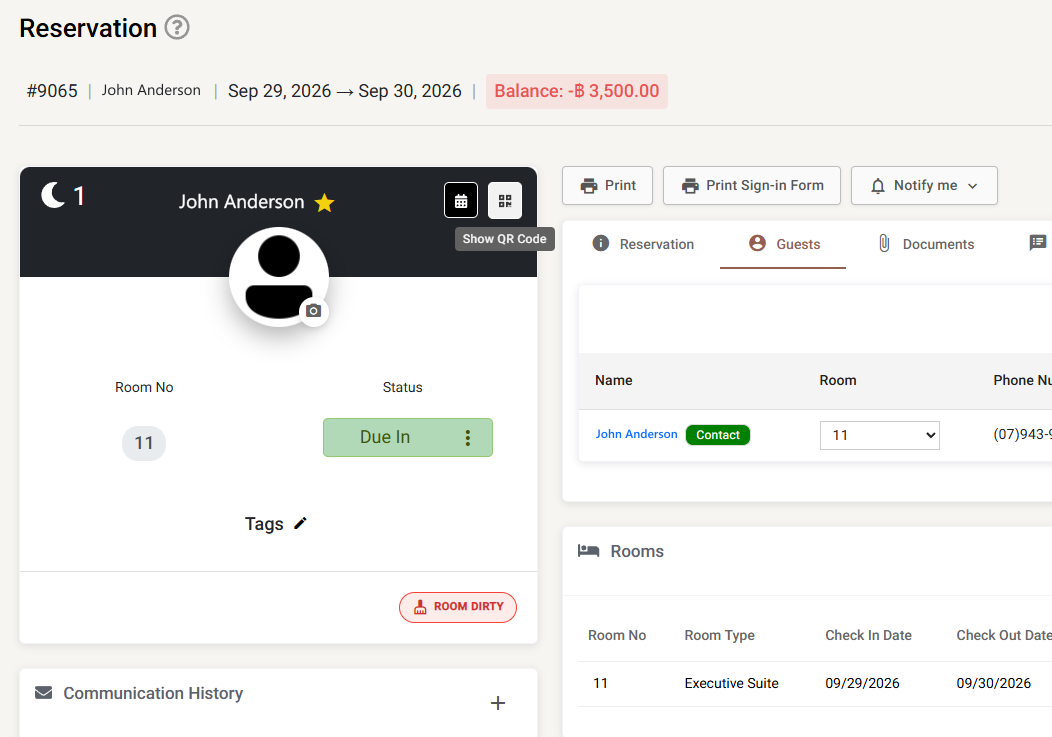
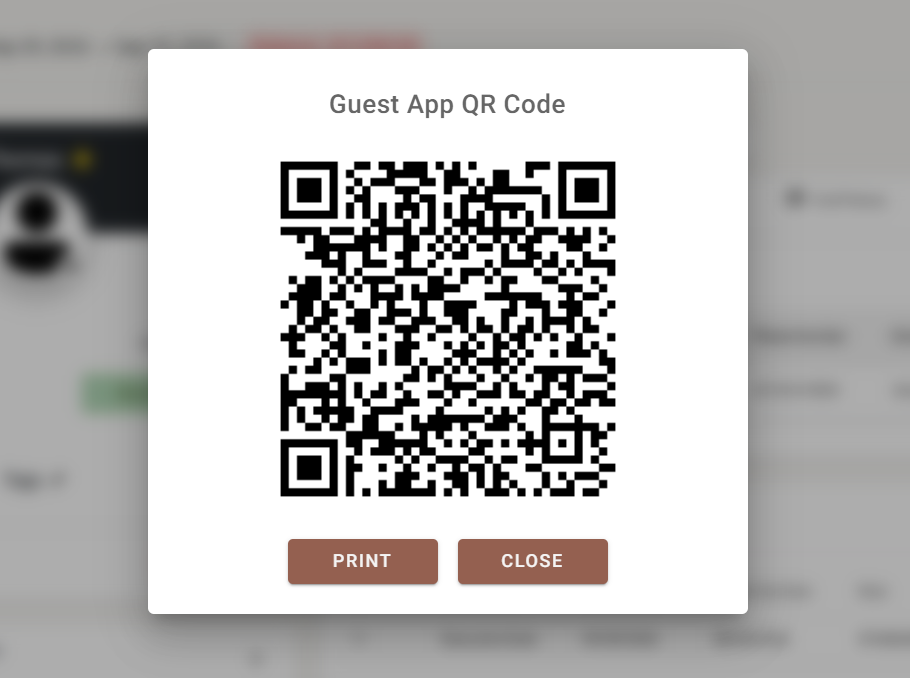
Every reservation has a QR code that takes the guest straight into the guest app for that booking — no account, no searching, no typing a reference. Open the reservation and use the QR code button in its header.
The dialog has a Print option that produces a slip carrying the room number, the guest’s name, the booking number and the date, ready to hand over at check-in or leave in the room.
Whether guests actually install the app is visible in the Guest app usage report.
2. QR sign-in for staff
On the sign-in page, Sign in with QR code shows a code that can be scanned from a device already signed in. It is the quickest way to bring a shared terminal or a housekeeping tablet online without typing credentials on a public screen. See Signing in.
3. QR payments
When you add a payment to a reservation, one option produces a payment link that can be shown as a QR code for the guest to scan and pay from their own phone. The dialog shows how long the code is valid for, has a Check now button to confirm the money arrived, and can Generate a new QR code once one has expired. See Payments view.
4. Guest app QR codes in Theme Settings
Several Theme Settings screens carry their own QR code so you can preview on a real phone what guests will see — the background image, the widget captions, the check-in message. See Theme Settings.
Recording guest identification
Identification is captured on the guest rather than by scanning. On a reservation’s guest record you can store:
- Identification type and passport number
- Full name, gender and date of birth
- Address, city, country and post code
- Customer type
Guests may fill this in themselves during pre check-in.
If Allow add customer picture is switched on in Settings → General, staff can also attach a photograph to the guest record. A scan or photograph of an identity document is attached to the reservation as a file — see Guest documents.