
Signing in and account access
How to sign in, the QR sign-in option, invitations and getting back in.
SupremeStay does not keep a password of its own. You sign in with an account you already have — Google or Apple — or by scanning a QR code with a device that is already signed in. That means there is no SupremeStay password to forget, and no password for anyone to steal.
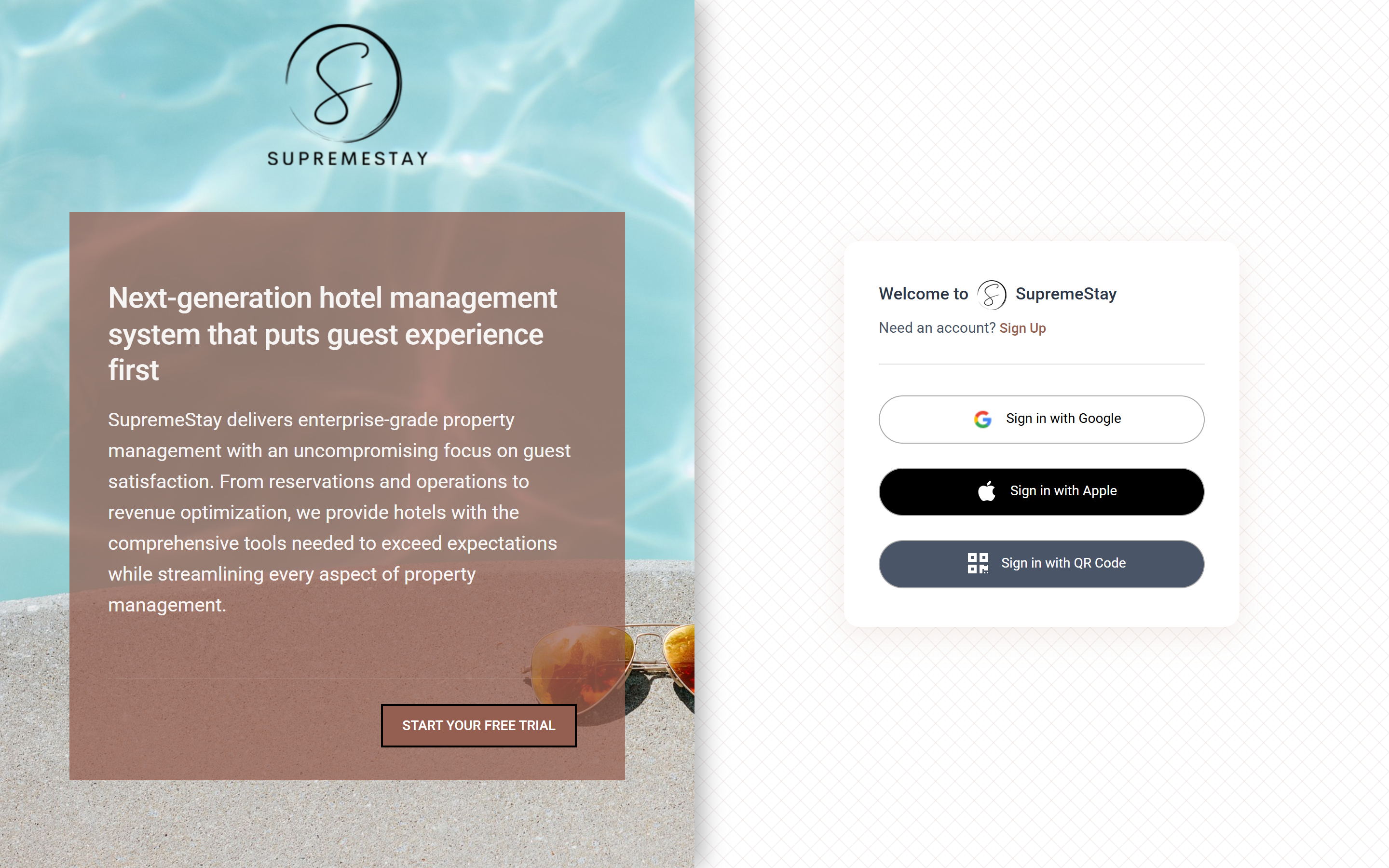
Ways to sign in
- Continue with Google — the usual choice. Use the Google account your invitation was sent to.
- Continue with Apple — the same, for an Apple ID.
- Sign in with QR code — shows a code on screen. Scan it from a phone or tablet that is already signed in to sign the new device in without typing anything. Useful for a shared front desk terminal or a housekeeping tablet.
Being invited
You cannot create yourself an account on an existing property. Someone with Management access — or the account owner — invites you from Settings → Users, and you receive an email.
- Open the invitation email and follow the link.
- Read and accept the terms and conditions and the privacy policy.
- Choose Accept and continue with Google or Accept and continue with Apple, using the same address the invitation was sent to.
An invitation that is not accepted eventually expires; the person who invited you can send a new one with Resend invitation on the Users page.
Starting a new property
Start your free trial on the sign-in page creates a new property rather than joining an existing one. You give the property name, country, number of rooms and a phone number, and can choose to include mock test data — sample rooms and reservations to practise on before going live.
If you cannot get in
- “You have no access” — your invitation has not been accepted yet, or it was sent to a different address. Ask whoever invited you to resend it.
- Signed in but the wrong property — accounts can belong to more than one property. Switch between them from the property name at the top of the page.
- Nothing appears after signing in — you may hold only a permission for a module that is switched off, or a narrow one such as Housekeeping. Every user needs at least one permission. See User roles and access levels.